
The rapid integration of AI assistants and agentic workflows into browsers has unlocked incredible productivity. However, it has also birthed insidious threat vector: Indirect Prompt Injection(IPI).
Google has taken significant strides to bolster the defences of its Chrome browser against the ever-evolving landscape of cyber threats. Recently, Google announced the implementation of layered defences aimed specifically at countering indirect prompt injection attacks ,a sophisticated method that cybercriminals use to manipulate user interactions and extract sensitive information.
Understanding the Threat
Prompt injection attacks exploit the way users interact with AI tools and web applications. By manipulating prompts or inputs, attackers can potentially access unauthorized data or execute malicious commands. These threats have become increasingly prevalent, prompting Google to enhance its security infrastructure within Chrome.
What’s New in Chrome?
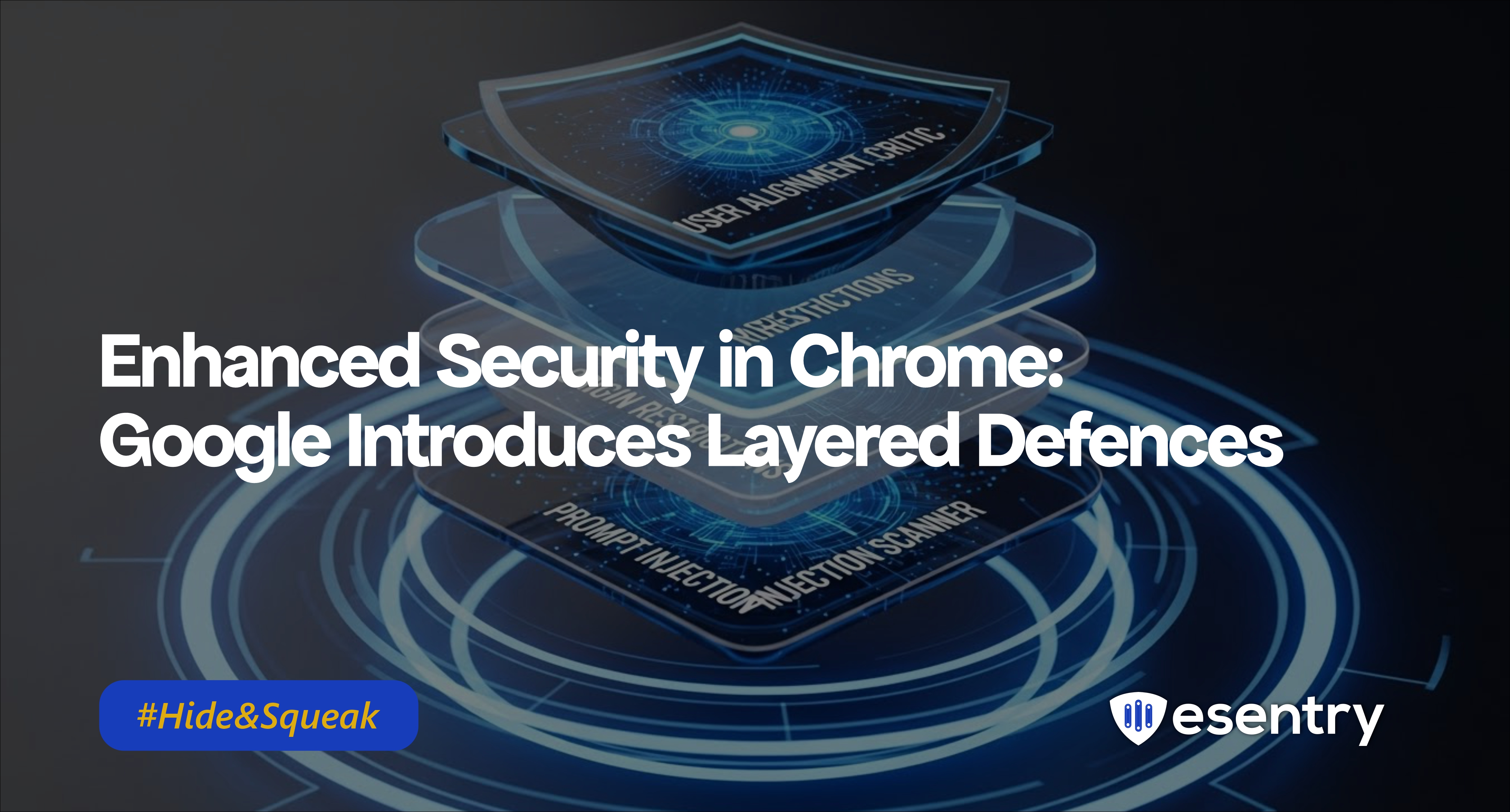
User Alignment Critic — a separate, trusted model that reviews each action the AI agent plans before it executes. If the planned action doesn’t match your stated goal, the Critic vetoes it.
Origin-based restrictions (called “Agent Origin Sets”) — the AI agent can only read or interact with a limited, trusted set of websites relevant to the user’s current task. This prevents the agent from being tricked via malicious content on unrelated sites.
Prompt-injection detection & user confirmations — before actions such as sign-in, payments, or form submissions, Chrome checks for suspicious prompt-injection patterns and asks for explicit user approval when sensitive operations are involved.
Transparent “work logs” and user control — you can see what the agent is doing step by step, pause or takeover control any time, and stop it if something looks suspicious.
Why it matters
- As browsers begin to integrate AI agents that act on behalf of users (filling forms, navigating sites, performing tasks), the risk surface grows malicious websites could secretly instruct the AI agent to steal credentials, initiate transactions, or leak data.
- Indirect prompt injection is stealthy — malicious instructions can be hiding in seemingly normal web content, making it hard for traditional security tools to detect.
- By adding these layered defences, Chrome makes it much harder and expensive for attackers to abuse AI agents forcing them to either reveal themselves or fail.
Recommendations
- Keep Chrome Updated — Ensure you use the latest Chrome build with the new agentic-browser protections.
- Be Cautious with AI Browsing/Automation Tools — If you use AI-driven browser features or extensions, be wary of allowing them access to sensitive sites (banking, payments, health, etc.). Confirm actions manually where possible.
- Monitor and Restrict AI-Agent Permissions — Limit what websites your browser agent can interact with. Don’t give it blanket permissions across all sites.
- Enable User Oversight & Alerts — Make sure any AI-driven action requires user confirmation for sensitive tasks. Review agent logs when available , don’t rely on full automation without oversight.
- Train Your Team / Users — Raise awareness about new risks introduced by AI-enabled browsing: prompt-injection attacks, stealthy agent misuse, and social-engineering through AI.




.png)
.png)