
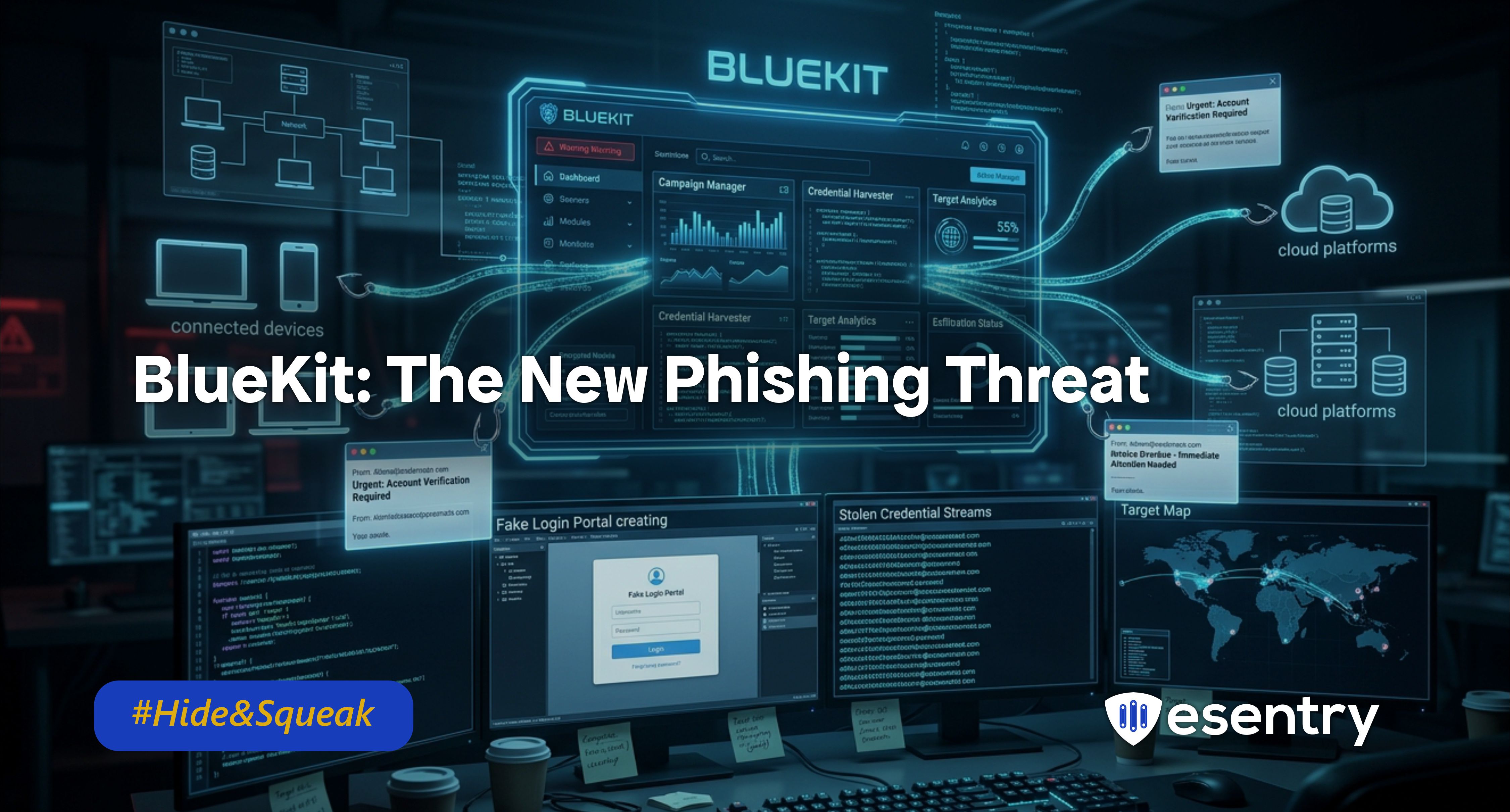
Bluekit is a modern phishing kit basically a ready-made cybercrime toolkit that helps attackers create fake websites and steal people’s login details.
But this isn’t just any phishing tool. Bluekit is AI-powered, automated, and all-in-one, making it much easier even for less-skilled hackers to run advanced attacks. Designed to help cybercriminals launch phishing attacks with ease.
BlueKit incorporates advanced features, including an AI assistant, making it more dangerous than traditional phishing methods.
Key Features of Bluekit
- 40+ Ready-Made Traps: It comes with polished, fake login pages for everything from Gmail and Microsoft 365 to GitHub, iCloud, and even crypto services like Ledger.
- The AI Assistant: It features a built-in AI (using models like Llama and GPT) that helps hackers write the "lure"—those convincing emails or texts that trick you into clicking.
- Voice Cloning & QR Codes: It’s not just emails anymore. BlueKit includes tools for "Quishing" (QR code phishing) and even Voice Cloning to make scams feel more personal and urgent.
- 2FA Bypass: It doesn't just steal your password; it’s designed to "trick" you into giving up your two-factor authentication (2FA) code in real-time, allowing hackers to walk right past your security.
Why is BlueKit a Concern?
- Increased Phishing Attacks: With the user-friendly design and AI capabilities, BlueKit enables more individuals to launch phishing attacks, leading to a surge in incidents.
- Personalized Attacks: The AI assistant makes phishing attempts more convincing, increasing the chances that victims will fall for these scams.
- Data Breaches: As more sensitive information is harvested through these attacks, the risk of data breaches rises, potentially affecting millions of individuals.
- Reputation Damage: Organizations that fall victim to phishing attacks can suffer severe reputational damage, leading to loss of customer trust and financial repercussions.
How the "Heist" Happens
- The Drafting Phase: The hacker uses the BlueKit AI to write a perfect, professional-sounding email about a "security breach" or a "new employee benefit."
- The Setup: With a few clicks, they register a domain that looks like the real thing (e.g., secure-microsoft-login.com) and host their fake page.
- The Hook: You receive the email or a QR code. Because it looks so legitimate and might even use a familiar voice or branding you click.
- The Steal: As you "log in," the hacker isn't just seeing your password; they are watching your screen in real-time, grabbing your session "cookies" so they can stay logged in even if you change your password later
Recommendation
- Stay Informed: Awareness is your first line of defence. Keep yourself updated on the latest phishing tactics and tools being used by cybercriminals.
- Verify Before You Click: Always check the sender's email address and hover over links to see where they lead before clicking. If something feels off, trust your instincts and avoid engaging.
- Use Multi-Factor Authentication (MFA): Enabling MFA on your accounts adds an extra layer of security. Even if your credentials are compromised, attackers will struggle to access your accounts without the second form of verification.
- Educate Yourself and Others: Share knowledge about phishing threats with friends, family, and colleagues. The more people are aware of these tactics, the harder it becomes for attackers to succeed.
- Report Phishing Attempts: If you encounter suspicious emails or messages, report them to your email provider or the relevant authorities. This helps to track and mitigate phishing campaigns.
Cyber Terms Explained
- Phishing-as-a-Service (PhaaS): Just like you pay for a monthly subscription to Netflix, criminals pay a subscription to use BlueKit's servers and tools.
- Phishing Kit: A collection of tools and resources used by cybercriminals to carry out phishing attacks, often including templates and scripts for creating fake websites.
- AI Assistant: A feature that uses artificial intelligence to assist users in generating content, such as emails or messages, making it easier to create convincing phishing attempts.
- Data Harvesting: The process of collecting sensitive information, such as login credentials or personal details, often through deceptive means.
- Voice Cloning: Using AI to mimic the voice of a trusted person (like your boss or a family member) to convince you to transfer money or share a password over the phone.

.jpeg)
.jpeg)

.png)


.png)
.png)