
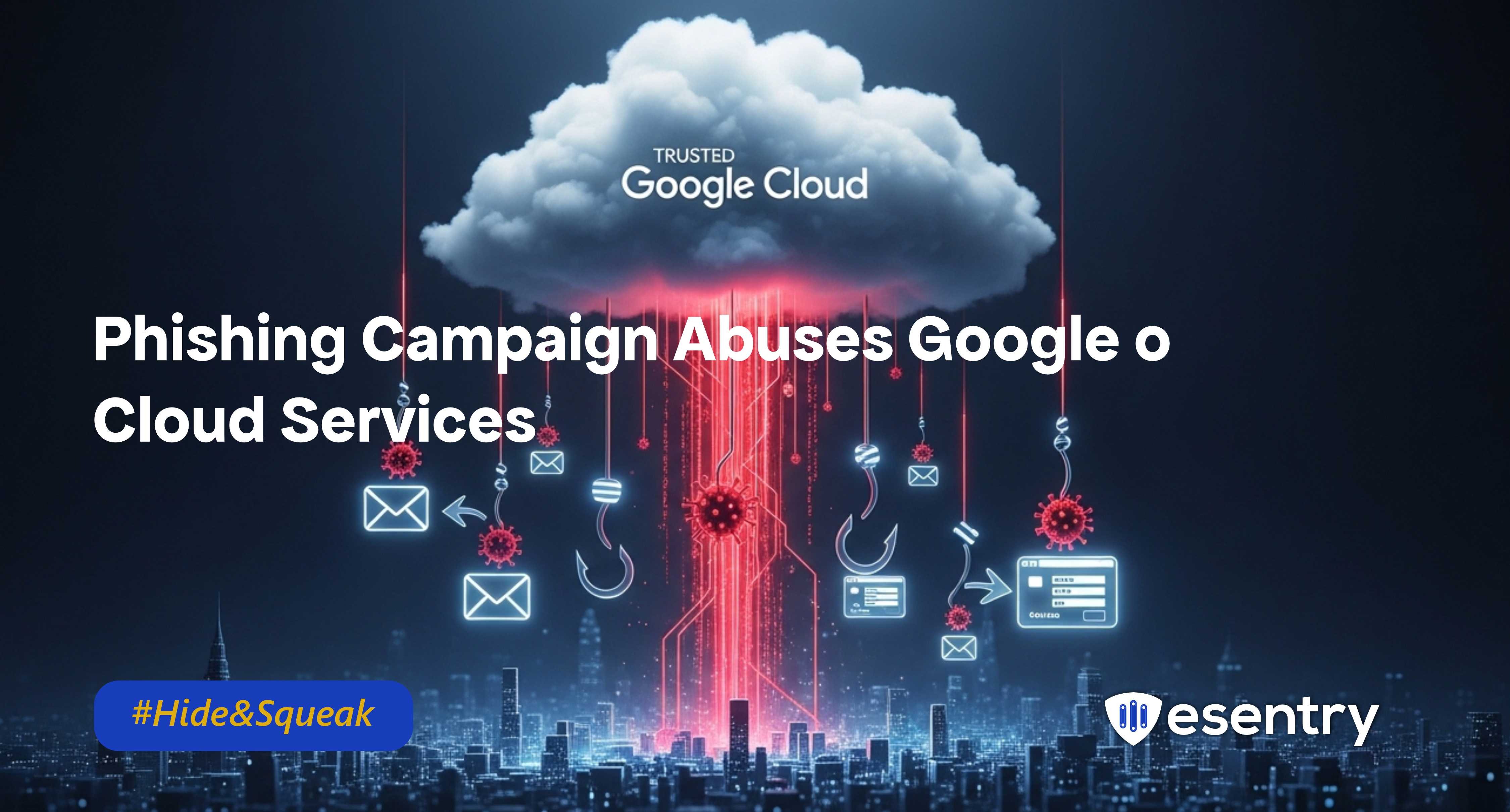
A coordinated phishing campaign is actively abusing legitimate Google Cloud infrastructure to evade detection and deliver malicious content at scale. Rather than relying on suspicious domains or low-reputation hosting, the operators leverage trusted services including Google Cloud Storage (GCS) and Google Cloud Application Integration to make phishing emails appear authentic and bypass standard email filtering controls.
The campaign targets both individual and enterprise users with lures such as storage alerts, subscription issues, fake rewards, and shared document notifications. The operational advantage lies in using services that most organizations inherently trust.
How It Works
1. Email Delivery via Trusted Infrastructure
The attackers leverage Google Cloud Application Integration’s Send Email feature to distribute phishing emails that appear to originate from legitimate google.com addresses. Because the messages are sent through Google infrastructure:
- SPF, DKIM, and DMARC checks pass.
- Secure email gateways are less likely to flag the message.
- The email formatting mirrors legitimate Google notifications.
Common lures include:
- “Storage full” warnings
- Expired antivirus subscription notices
- Fake prize or reward alerts
- Shared file access notifications
2. Redirect Chain Using Google Cloud Storage
After the victim clicks the embedded link:
- The initial URL resolves to storage.googleapis.com, a highly trusted domain.
- The link points to an attacker-controlled GCS bucket containing a redirect script.
- The script executes instantly and forwards the victim to an external phishing site.
3. Credential & Payment Harvesting
The final landing page presents:
- Microsoft 365 credential replicas
- Fraudulent billing or charge verification screens
Any submitted credentials or payment information are captured and transmitted to the threat operators.
Some variants introduce fake CAPTCHA screens hosted through legitimate cloud assets to bypass automated security crawlers and allow only human victims to proceed.
The redirect occurs in less than a second, limiting the opportunity for automated scanning systems to analyse the intermediate content.
Defensive Measures
Technical Controls
- Move Beyond Authentication Checks
Do not rely solely on SPF/DKIM/DMARC validation. Implement behavioural analysis and real-time URL inspection.
- Monitor Trusted Cloud Domains
Apply inspection policies to links hosted on storage.googleapis.com and other cloud storage platforms when delivered via email.
- Enforce Phishing-Resistant MFA
Deploy FIDO2 hardware keys or passkey-based authentication for Microsoft 365 and other critical services.
- Conditional Access Enforcement
Restrict logins from unmanaged devices and high-risk geographies. Trigger step-up authentication on anomalous access patterns.
Operational Response
- Maintain phishing simulation programs reflecting cloud-abuse scenarios.
- Create a clear reporting process for malicious cloud buckets.
- Rapidly reset credentials and revoke tokens when compromise is suspected.
Conclusion
Organizations that treat reputable domains as inherently safe will remain vulnerable. Effective defense requires layered inspection, phishing-resistant authentication, and proactive monitoring of cloud-hosted redirect chains.
Trust in infrastructure should never replace verification.

.jpeg)
.jpeg)

.png)


.png)
.png)