
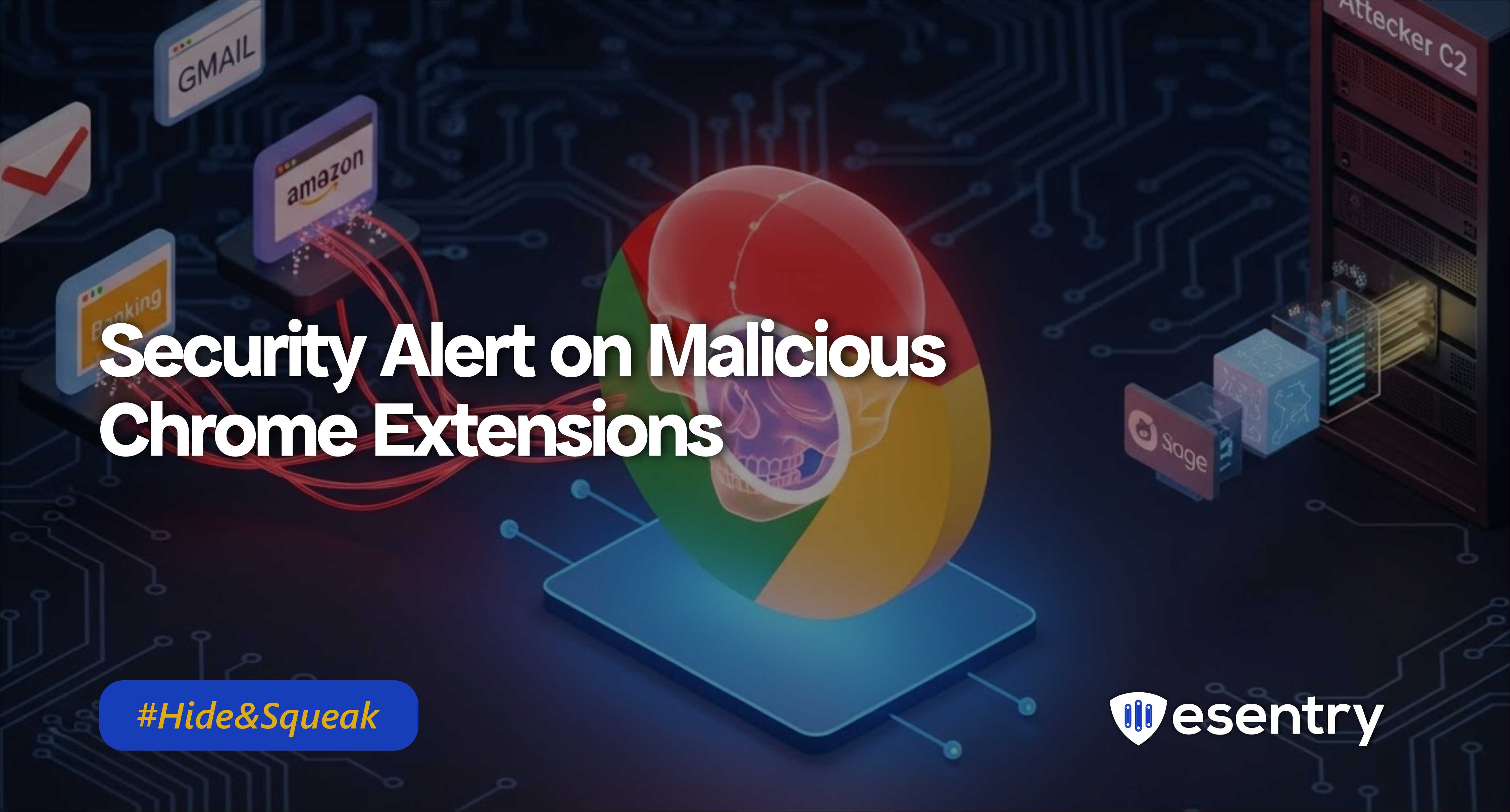
Security researchers have uncovered two malicious Chrome extensions that were secretly harvesting user credentials and session data from more than 170 popular websites. These extensions disguised as useful tools abused browser APIs to intercept login data, cookies, and tokens before exfiltrating them to attacker-controlled servers. This campaign has high impact due to the breadth of targeted sites and stealthy behaviour that bypasses normal extension scrutiny.
What Happened?
Malicious Chrome extensions distributed via the Chrome Web Store and third-party sites were found to:
- Intercept credentials, cookies, and authentication tokens from login forms and web sessions.
- Capture user input and request parameters on over 170 well-known domains (finance, email, social, shopping, cloud services, etc.).
- Exfiltrate sensitive data covertly to remote attacker infrastructure.
Researchers dubbed the technique “Phantom Shuttle”, where the extension injects hidden scripts into web pages to siphon data as users interact with them.
Why This Matters
Unlike malware that needs native access or elevated rights, malicious browser extensions can run with normal user privileges but still harvest session data and credentials for a wide range of services. Modern browsers are trusted environments, and users often grant extensions broad access making this technique both powerful and dangerous.
Indicators & Behaviours
- Extensions that request broad host permissions (e.g., *://*/*) without clear justification.
- Hidden or obfuscated script injections in page contexts.
- Outbound network connections to unknown or private domains shortly after login events.
- High-volume credential POST capture patterns via background script listeners.
Recommendation
- Audit Installed Extensions:
- Remove any that are unrecognized, unverified, or not required for work.
- Pay special attention to extensions that request broad access to sites and user data
- Block Known Malicious Extensions:
- Update enterprise allow lists/ deny lists to block the specific extension IDs and related signatures identified in research.
- Rotate Credentials:
- Advise users to reset passwords and re-authenticate for all potentially affected accounts, especially finance, email, and cloud services
- Monitor for Data Exfiltration:
- Use web proxy logs, EDR/NDR, or SIEM to flag unusual POST requests or connections to untrusted domains right after user
5. Enforce Extension Policies
- Use Group Policy/Intune/MDM to restrict extension installation to a trusted allow list only.
6. Educate Users:
- Train users to install extensions only from trusted vendors and to question extensions that request broad permissions.


.jpeg)
.jpeg)

.png)


.png)
.png)