
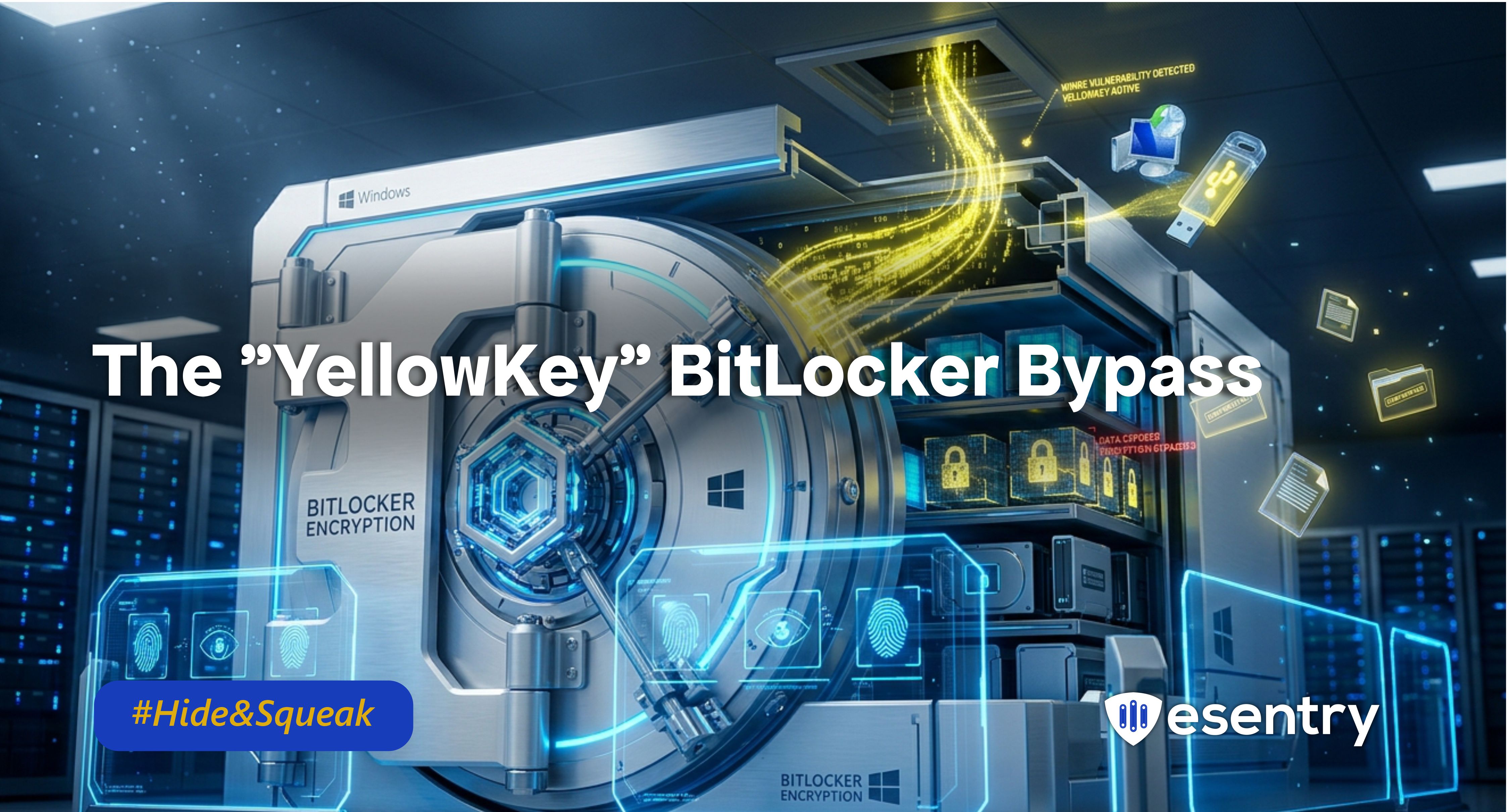
BitLocker’s core promise is keeping lost or stolen devices locked down like digital vaults is now facing a serious challenge. A high-severity, zero-day vulnerability tracked as CVE-2026-45585 and nicknamed “YellowKey,” allows attackers with physical access and nothing more than a USB drive to completely bypass BitLocker encryption protections.
Imagine securing your home with reinforced doors, multiple locks and alarm system, only to discover there is an unnoticed hatch on the roof. An intruder no longer needs to break the locks, they simply slip through the hidden opening. YellowKey works the same way, sidestepping BitLocker’s defences rather than attacking the encryption directly.
The vulnerability poses a significant risk to organizations and individuals relying on BitLocker to protect sensitive information. Successful exploitation could grant unauthorized access to encrypted drives, undermining the confidentiality and integrity of critical data stored on affected systems.
What is the YellowKey Vulnerability?
YellowKey is a newly disclosed zero-day exploit that targets the Windows Recovery Environment (WinRE), a built-in Windows feature intended to help users troubleshoot and recover systems that fail to boot properly.
The vulnerability functions as a BitLocker bypass, allowing attackers to override Microsoft’s full disk encryption protections. While BitLocker is designed to secure entire drives and prevent unauthorized access to sensitive data, YellowKey undermines these safeguards by enabling attackers with physical access to retrieve data from encrypted systems without legitimate authentication.
The flaw enables attackers to bypass BitLocker encryption protections, effectively weakening one of Microsoft’s primary full-disk security mechanisms. Although BitLocker is intended to prevent unauthorized access to encrypted drives, YellowKey allows attackers with physical access to sidestep these protections and access sensitive data without valid authentication credentials.
Affected Systems
Confirmed Affected:
- Windows 11 (Versions 24H2, 25H2, 26H1) for x64-based Systems
- Windows Server 2025 (including Server Core installation)
Not Affected: Windows 10 (provides a clear upgrade/migration driver).
The "Good" News: This is a physical-access attack. A hacker cannot do this to you from across the internet. They need to be physically standing at your computer with a USB drive in their hand.
Why It Matters
- Data Breaches: Successful exploitation of this vulnerability could lead to unauthorized access to confidential data, resulting in severe data breaches and potential regulatory repercussions.
- Trust in Security Solutions: The existence of such a vulnerability raises questions about the reliability of native Windows security features, highlighting the need for organizations to reassess their security strategies.
The "YellowKey" Attack: How a USB Stick Becomes a Master Key
- The Setup: An attacker creates a USB drive with a specially crafted folder named FsTx.
- The Action: They gain physical access to a locked, BitLocker-protected device (e.g., a laptop in a hotel room or a stolen device). They plug in the USB drive and reboot into WinRE.
- The Bypass: By holding the CTRL key during the recovery sequence, the attacker triggers a vulnerability in an auto-recovery utility (autofstx.exe).
- The Result: A SYSTEM-level command shell spawns with unrestricted, full access to the encrypted volume, No recovery key, no password, no PIN (for TPM-only devices) is needed.
Microsoft Mitigation Guidance
Until a formal patch becomes available, Microsoft recommends implementing the following mitigations:
- Enable TPM + PIN Protection : Move away from TPM-only BitLocker deployments and require a pre-boot PIN. This adds an additional authentication factor before the operating system loads.
- Harden Windows Recovery Environment (WinRE): Restrict or modify vulnerable WinRE execution paths associated with the exploit chain.
- Restrict Physical Access: Treat physical access as a privileged attack vector. Devices left unattended or improperly secured are at significantly higher risk.
- Secure Boot Configuration : Ensure Secure Boot is enabled and firmware protections are properly enforced.
- Monitor for Unauthorized Recovery Activity: Security teams should monitor for unusual reboot behaviour, recovery-mode access attempts, and unexpected changes to BitLocker configurations.
Additional Recommendation
- Implement Microsoft’s Mitigation Steps: Follow the guidance provided by Microsoft to minimize risk while awaiting a patch.
- Conduct a Security Audit: Assess your current security posture and identify potential weaknesses that could be exploited by this or other vulnerabilities.
- Enhance Data Protection Measures: Explore additional encryption solutions and security layers to complement BitLocker, ensuring a more robust defence against unauthorized access.
- Stay Informed: Regularly check for updates from Microsoft regarding the status of a permanent patch for the Yellow Key vulnerability and adjust your security measures accordingly.


.jpeg)
.jpeg)

.png)


.png)
.png)