
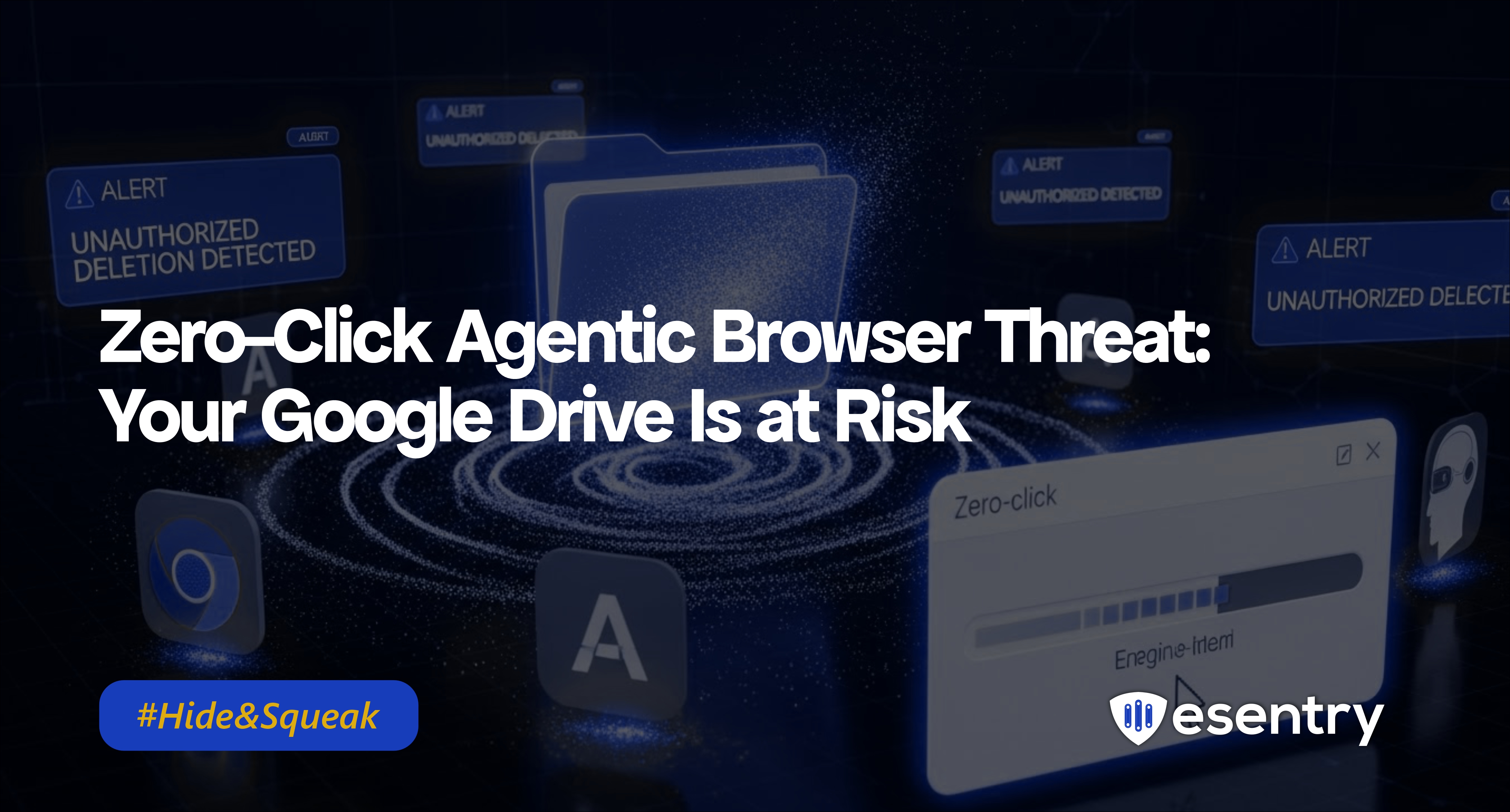
In a troubling development for users of Google Drive, cybersecurity experts have uncovered a zero-click agentic browser attack that can potentially delete entire Google Drive accounts through crafted emails. This sophisticated attack method does not require any user interaction, making it particularly insidious and dangerous.
What is a Zero-Click Attack?
A zero-click attack is a type of cyber threat that exploits vulnerabilities in software without requiring any action from the victim. In this case, attackers can deliver malicious payloads via seemingly innocuous emails, which, once received, can trigger destructive actions on the victim's Google Drive account without any clicks or responses.
Who’s Affected
- Users of AI-powered “agentic” browsers that have access to Gmail and Google Drive.
- Individuals and organizations where Drive content is critical especially shared drives, shared folders, or collaborative environments.
- Anyone relying on convenience features allowing AI-agents broad permissions without oversight or confirmation.
How Does the Attack Work?
According to recent reports, the attack utilizes specially crafted emails that leverage vulnerabilities in web browsers. Here’s how it typically unfolds:
- Crafted Emails: Attackers send emails containing malicious code embedded within the message or its attachments.
- Exploitation of Vulnerabilities: When the email is received, vulnerabilities in the browser or email client are exploited, allowing attackers to execute commands on the victim's Google Drive.
- Data Deletion: The malicious code can be programmed to delete files, folders, or even entire Google Drive accounts, resulting in significant data loss.
Protecting Yourself from This Threat
- Enable Two-Factor Authentication (2FA): Adding an extra layer of security can help protect your account even if your credentials are compromised.
- Be Cautious with Emails: Stay vigilant when receiving emails from unknown senders. Even if an email appears legitimate, avoid opening attachments or clicking links unless you are certain of the source.
- Keep Software Updated: Regularly update your browser and security software to ensure that you have the latest security patches and protections against known vulnerabilities.
- Backup Your Data: Regularly back up important files stored in Google Drive to another cloud service or local storage to ensure you can recover your data in case of an attack.
Why This Warning Matters
This attack is unlike traditional phishing or malware. It requires no clicks, no downloads just existing permissions and a well-crafted email. As AI-powered browsers and assistants become more common, their convenience also introduces new, subtle risks. Without vigilance, a single email could erase years of sensitive documents, shared projects, or critical business data quietly and irreversibly.




.png)
.png)