
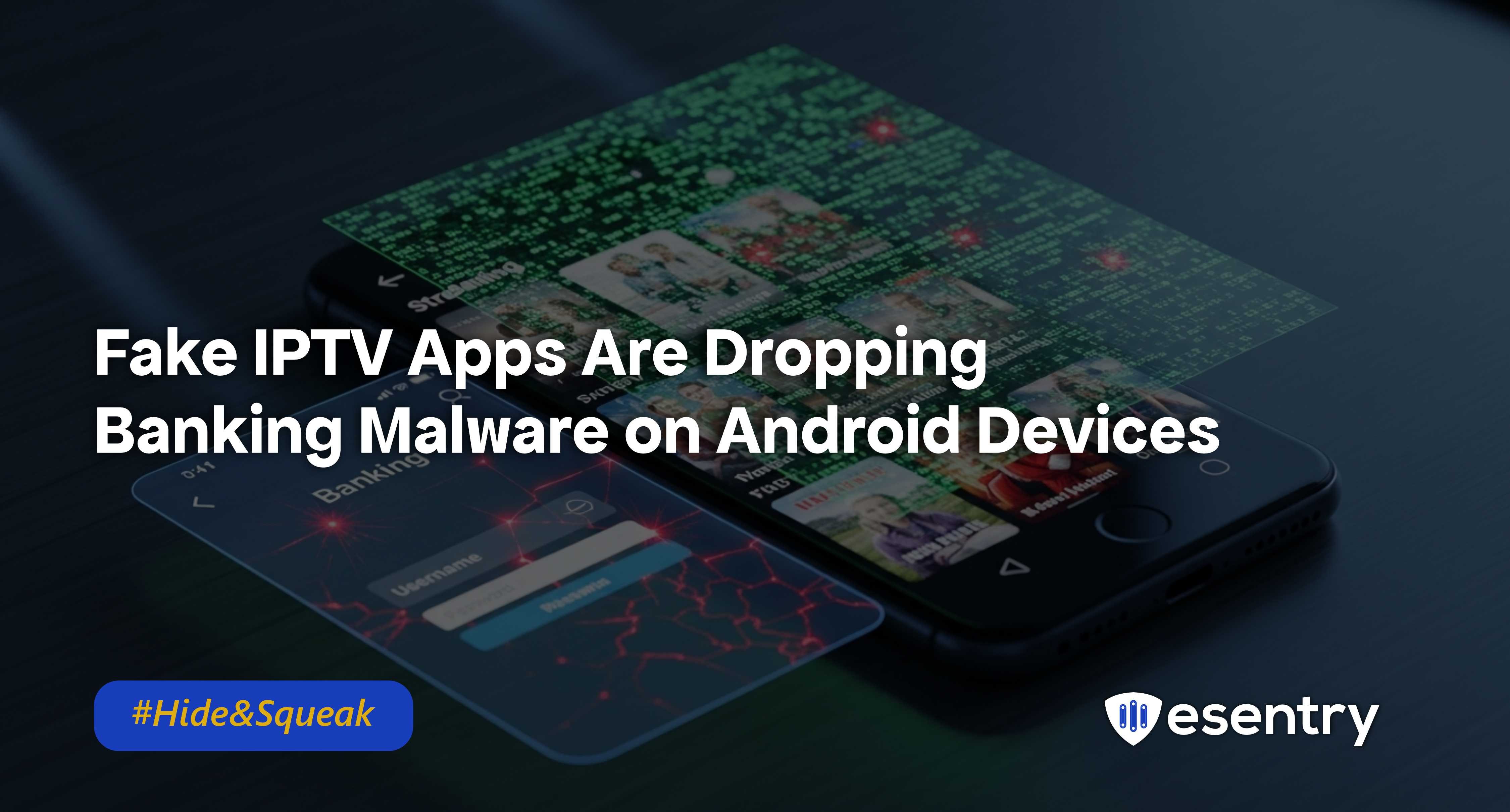
There is a new wave of Android malware that hides inside fake IPTV and media-streaming apps on unofficial app stores. These apps seem harmless promising free access to TV channels and videos but once installed, they unleash powerful Android banking malware designed to steal money and personal information.
This isn’t just simple adware or annoying pop-ups. The malware is sophisticated, targets bank credentials, and can quietly drain money from your accounts. And because the apps don’t come from official app stores like Google Play, they can fool millions of users into installing them.
What Is IPTV?
IPTV (Internet Protocol Television) is a way of delivering television content over the internet instead of through traditional methods like satellite dishes or cable TV.
Instead of receiving TV signals through a cable line or satellite dish, you stream TV channels and video content using your internet connection.
How Do These Fake IPTV Apps Work?
Here’s how the scam works:
- Fake IPTV/streaming apps are uploaded to third-party Android app stores or download sites.
- Users looking for free TV or movies install the app thinking it’s legitimate.
- Once installed, the app doesn’t just stream content , it also hides banking malware in the background.
- The malware starts watching for bank apps, intercepts login credentials and can even perform unauthorized transactions.
Why This Is Dangerous
Stealthy Disguise: The malware hides inside apps that seem useful , IPTV players or media tools , so users install them without suspicion.
Widespread Impact: The scale of this threat is massive, affecting countless users globally. With the rise in mobile banking, more people are at risk than ever before.
Difficult to Detect: Many of these fake apps are designed to evade detection by security software, making them particularly insidious. Users may not realize they’ve installed malware until it’s too late.
Multiple Infection Vectors: Some samples also spread through fake VPN apps or streaming boosters, meaning the malicious software can reach a wide audience through different tricks.
Recommendation
- Download from Trusted Sources: Always use official app stores like Google Play or Apple’s App Store. Avoid third-party sites that may host malicious content.
- Research Before Installing: Check reviews and ratings of apps before downloading. If something seems too good to be true, it probably is.
- Keep Software Updated: Regularly updateyour operating system and apps to ensure you have the latest security patches.
- Use Security Software: Consider installing reputable antivirus or anti-malwaresoftware that can help identify and block harmful applications.
- Monitor Banking Activity: Regularly check your bank statements and transaction history for any unauthorized activity.

.jpeg)
.jpeg)

.png)


.png)
.png)